
How Maakan Works: Complete Platform Guide
Step-by-step guide to using Maakan for tenants and landlords. Learn how to search properties, list rentals, manage agreements, and pay rent securely.
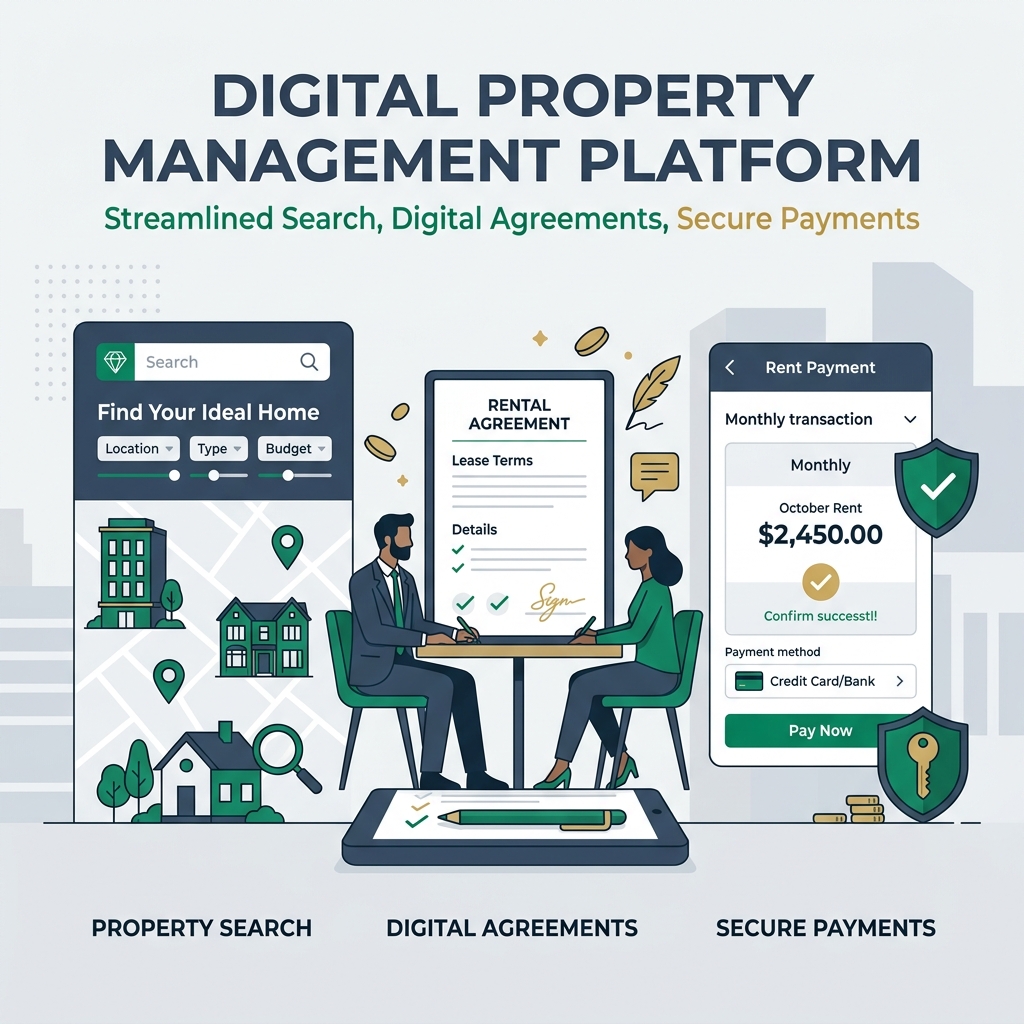
How Maakan Works: Complete Platform Guide
Maakan is designed to be intuitive for both tenants searching for rentals and landlords listing properties. This guide walks you through every feature and how to get the most out of the platform.
Quick Answer
Maakan is a no-broker rental platform that connects landlords with verified tenants directly. Tenants browse verified properties, apply online, and sign digital agreements — landlords post properties, screen tenants, and receive secure payments. No middleman, complete transparency, zero commission.
For Tenants: Finding Your Perfect Rental
Step 1: Create Your Account
- Visit Maakan and click "Sign Up as Tenant"
- Enter email, phone, and create a password
- Verify your email address
- Complete your profile with:
- Full name and date of birth
- Employment details (job title, company, salary range)
- Occupation type (IT Professional, Business, Student, etc.)
- Emergency contact information
Why this info? Landlords use this to assess tenant quality. The more complete your profile, the faster your applications get responses.
Step 2: Search Properties
Use filters to narrow down:
- Locality — Choose from New Town, Salt Lake, Rajarhat, Howrah, Jadavpur, Barasat
- Rent Range — Set your budget (minimum to maximum monthly rent)
- Property Type — Apartment, Independent House, etc.
- Furnishing — Furnished or Unfurnished
- BHK — Number of bedrooms
- Amenities — AC, WiFi, Parking, etc.
Tip: Start broad, then narrow down. Save your favorite properties to a wishlist.
Step 3: Review Property Details
Each listing shows:
- Photos & Virtual Tour — Multiple angles of the property
- Exact Location — Address, proximity to metro, markets, schools
- Rent & Deposit — Monthly rent, security deposit amount
- Amenities — What's included (furniture, appliances, etc.)
- Lease Terms — Typical duration (11 months, 1 year, etc.)
- Landlord Info — Verified name, contact, property history
- Tenant Reviews — Previous tenant feedback (if available)
Step 4: Apply to Properties
- Click "Apply Now" on any property
- Confirm your profile information
- Optionally add a cover letter (increases approval odds)
- Submit application
Behind the scenes: Your application goes to the landlord with your verified profile. They review and respond within 24-48 hours.
Step 5: Connect with Landlord
- Receive notification when landlord views your application
- Start messaging directly through Maakan chat
- Schedule property viewing
- Ask questions about the property, lease terms, move-in date
Step 6: Sign Digital Agreement
- Landlord sends rental agreement (pre-filled with property details). To understand all mandatory clauses and rules, refer to our West Bengal Rental Agreement Guide.
- Review terms carefully:
- Monthly rent amount
- Deposit amount
- Notice period
- Maintenance responsibility
- Renewal terms
- Sign digitally with e-signature
- Agreement stored securely, accessible anytime
Pro tip: Download a PDF copy and keep it in your email and cloud storage.
Step 7: Transfer Deposit & Move In
- Transfer security deposit to landlord via UPI, bank transfer, or online payment
- Get receipt for all payments
- Arrange utility connections (electricity, water, gas)
- Collect keys and handover documents
- Move in!
Step 8: Pay Rent Securely
- Maakan generates monthly rent invoices automatically
- Pay via:
- Online banking
- UPI (Google Pay, PhonePe, Paytm)
- Debit/credit card
- Get instant payment receipt
- Access payment history anytime
Step 9: Maintenance & Support
- Report maintenance issues through Maakan
- Upload photos of the issue
- Track repair status in real-time
- Communicate with landlord via in-app chat
For Landlords: Listing & Managing Properties
Step 1: Verify Your Account
- Sign up as "Landlord"
- Provide identity proof (Aadhaar, Passport, PAN)
- Verify phone number and email
- Submit property documents for verification
Step 2: List a Property
Click "Add New Property" and fill in:
Basic Information
- Property name (e.g., "2BHK in Salt Lake Sector V")
- Property type (Apartment, House, etc.)
- Full address with pin code
- Total floors, age of building
Unit Details — For each unit/flat you're renting:
- Unit name/floor number
- Number of bedrooms, bathrooms
- Total area (sq. ft.)
- Furnishing (Furnished/Semi-furnished/Unfurnished)
- Amenities (AC, WiFi, Parking, Balcony, etc.)
Pricing
- Monthly rent amount
- Security deposit (typically 2-3 months rent)
- Registration fees (if applicable)
Photos
- Upload 8-12 high-quality photos
- Include: entrance, living room, bedrooms, kitchen, bathroom, view, common areas
- Make sure lighting is good and photos are clear
Property Description
- Write compelling 100-150 word description
- Highlight: location benefits, nearby amenities, transport connectivity
- Mention any special features
Step 3: Publish & Promote
- Publish property to go live
- Property appears in search results
- You can "feature" property for better visibility (paid option)
- Maakan sends automated notifications to matching tenants
Step 4: Receive & Review Applications
- Tenants start applying to your property
- Review their profiles:
- Employment details
- Income verification
- Previous rental history
- Reference checks
- Maakan shows you a "Tenant Score" based on verification
Step 5: Screen Tenants
- Accept/Reject applications
- For accepted applications, message the tenant
- Ask follow-up questions
- Request additional documents if needed
- Conduct background/reference checks. Learn how to do this properly in our Tenant Verification Guide.
Verification Checklist
- Verify employment with company HR
- Confirm salary with bank statements
- Check references from previous landlords
- Verify identity documents
Step 6: Finalize Agreement
- Send rental agreement to tenant
- Include all terms:
- Rent amount, payment due date
- Deposit amount
- Maintenance responsibility
- Notice period for termination
- Lease renewal terms
- House rules (guests, noise, etc.)
- Tenant signs digitally
- Both parties get signed copy
Step 7: Collect Deposit
- Receive tenant's security deposit
- Keep receipt of all payments
- Store deposit separately (don't mix with personal funds)
- You'll refund this when tenant moves out
Step 8: Handover Property
- Schedule final walkthrough
- Provide:
- All keys
- WiFi password
- Utility account details
- Emergency numbers
- Landlord contact details
- Document property condition (photos/video)
- Both parties sign handover document
Step 9: Manage Ongoing Rentals
- Receive monthly rent automatically
- Respond to maintenance requests
- Manage tenant communication via chat
- Keep records of all payments
- Monitor property condition
Step 10: Tenant Checkout
When tenant moves out:
- Inspect property for damages. You can follow our Move-In & Move-Out Checklist Guide for a detailed checklist.
- Take photos/video of condition
- Settle outstanding dues (utilities, etc.)
- Deduct legitimate expenses from deposit
- Return remaining deposit within 30 days
- Get tenant feedback for future reference
Key Features Explained
Secure Payment System
- How it works: Tenants pay via UPI, bank transfer, or card
- Why it's secure: Encrypted transactions, invoice receipts, payment history
- Benefits: No cash handling, automatic records for both parties
Digital Agreements
- Pre-filled templates compliant with West Bengal law
- E-signature legally valid in India
- Permanent record accessible anytime
- No lost documents — everything in cloud
Tenant Verification
- Identity verification — Aadhaar, Passport, PAN cross-checked
- Income verification — Salary slips, IT returns confirmed
- Reference checks — Previous landlord contacted
- Risk scoring — Maakan assigns tenant reliability score
Maintenance Tracking
- Report issues — Photo + description uploaded
- Real-time updates — Know when repair is scheduled and completed
- Expense tracking — Maintenance costs documented
- Dispute resolution — Neutral mediation if needed
Payment Tracking
- Monthly invoices — Auto-generated on fixed date
- Payment reminders — Sent via SMS/email before due date
- Late payment alerts — Notification if payment overdue
- Annual summaries — Useful for tax filing
Common Questions
Q: Is my payment data safe on Maakan?
Yes. Maakan uses bank-grade encryption (TLS 3.0), PCI-DSS compliance, and never stores complete card details. Your data is protected as if you were banking directly.
Q: Can I use Maakan for long-term rentals?
Absolutely. Most Maakan agreements are 11-month or 1-year leases with auto-renewal. You can set custom terms.
Q: What if tenant doesn't pay rent?
Maakan sends automatic reminders. If unpaid for 7+ days, you can issue a notice through the platform. For serious defaults, seek legal counsel.
Q: Can I list multiple properties?
Yes. You can list unlimited properties. Manage all from one landlord dashboard.
Q: What happens if there's a dispute?
Maakan has a dispute resolution process. Both parties can file a case, providing evidence (messages, photos, payment records). An independent arbitrator reviews and decides.
Q: How do I cancel a listing?
Go to property settings and click "Unpublish" or "Delete." Existing tenants are not affected, but new applications won't be accepted.
Best Practices
For Tenants:
- Complete your profile 100% — Higher approval rate
- Apply early — Good properties get many applications
- Be honest about salary — Helps landlords trust you
- Read agreements carefully — Understand all terms before signing
- Document property condition — Take photos on move-in
- Pay rent on time — Builds good rental history for future rentals
For Landlords:
- Upload high-quality photos — Better photos = more inquiries
- Verify every tenant thoroughly — Prevents future problems
- Be clear about house rules — Reduces misunderstandings
- Respond quickly to inquiries — Fast responses get quality tenants
- Keep maintenance responsive — Happy tenants renew leases
- Document everything — Photos, receipts, agreements protect you
Getting Help
Need support? Maakan offers:
- In-app chat — Instant help for platform questions
- Email support — [email protected] for detailed issues
- FAQs — Common questions answered
- Phone support — Call during business hours (9 AM - 6 PM IST)
Maakan is designed to be simple. Start with the basic steps above, and you'll master the platform quickly. Happy renting!
Ready to Find Your Rental?
Start your no-broker rental journey across India today.